

A row counter is the smallest tool that saves the most projects, but there are four common kinds and they are not equal. The right one depends on how you knit or crochet, how much you carry with you, and whether losing the count would set you back a little or a lot.
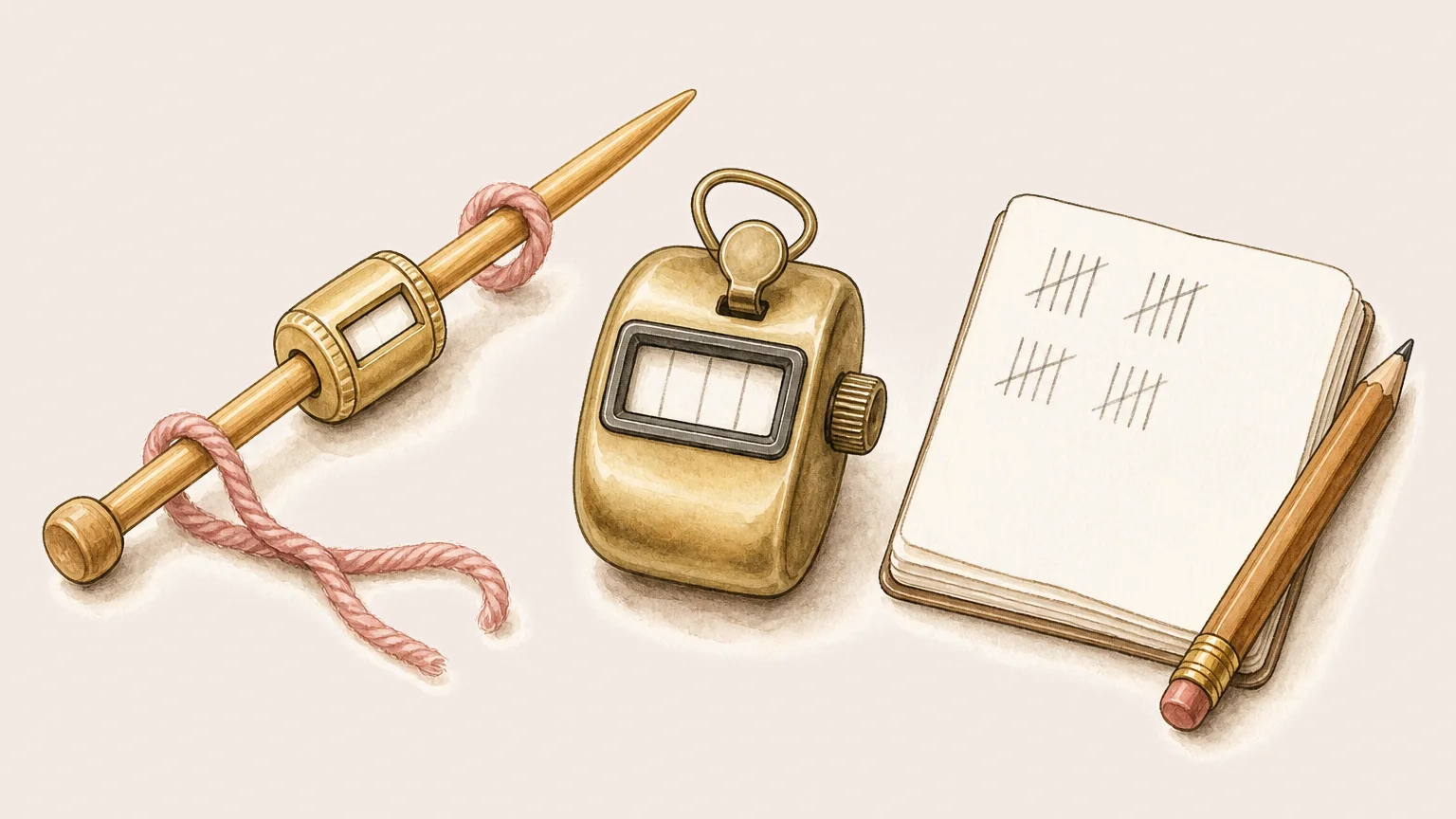
What are the main types of row counter?
Most counters fall into four families: a ring or barrel you turn, a push button clicker, pen and paper, and an app on your phone or watch. They all do the same basic job, count your rows, but they differ in how many projects they hold, whether the count is saved, and how easy they are to lose. Here is the honest comparison.
| Type | How it works | Strengths | Watch out for |
|---|---|---|---|
| Ring or barrel | A dial you turn once per row | Cheap, tactile, no battery | One project at a time, easy to knock, no backup |
| Push clicker | A button you press per row | Simple and satisfying | Nothing saved, single count only |
| Pen and paper | Tally marks in a notebook | Free, room for notes | Easy to forget, easy to lose the page |
| App | A tap on your phone or watch | Many projects, saved, synced, targets | Needs a charged device |
Which row counter is right for you?
For one simple project you work at home, a ring or clicker is hard to beat: cheap, tactile, and always to hand. If you carry several projects, travel with your knitting, or simply hate recounting after a break, an app pulls ahead, because the count is saved and follows you between devices. Many makers keep a clicker in the project bag and an app for the count that must not be lost.
What makes an app different?
An app keeps the count when you put the work down, holds many projects at once, and can sync across your phone, tablet and watch so the number is the same everywhere. Good ones add a target and a progress view. The trade off is honest: an app needs a charged device, where a clicker never does. For most people the saved, synced count is worth it.
A calmer row counter: Knittle
Knittle is a calm row and stitch counter made for both knitting and crochet. It has a first class Apple Watch app, syncs privately through your own iCloud with no account to set up, and stays quiet rather than gamified. Tap to count, set a target, and put your work down without losing your place. Knittle is a free download, with an optional Premium that unlocks the full app.


