

Search the App Store for a row counter and you get a hundred results, all free, all four and a half stars. That tells you nothing. So we did something duller and more useful: we pulled the real numbers off the store itself in September 2026, the rating counts, the release dates, the languages and the download sizes, and read what each publisher says about its own app.
One result reframes the whole category, and nobody writes it: the two most installed apps here are not row counters. They are learning and stash apps that happen to include a counter. The apps built around counting are much smaller.
One of the six is ours, and it comes last in this list, because the list is ordered by how many people have actually reviewed each app and ours came out in May.
You may not need an app at all
Worth saying before a page full of apps.
A ring you turn, a click counter, or five tally marks in a notebook will hold one number perfectly well, cost almost nothing, and never run out of battery. For a single project you work at home, that is the whole solution, and our guide to choosing a row counter compares the four physical kinds honestly.
An app earns its place when the count has to survive: several projects at once, a bag you carry, a break of three weeks, or a pattern complicated enough that losing your place costs an evening. That is what everything below is really competing on.
What the rating counts actually say
Ratings are a rough measure, but they are the only public one that is not marketing, and the gaps here are too big to be noise. Taken from the App Store on 7 September 2026:
- YarnPal, 32,083 ratings
- Loopsy, 15,288 ratings
- knitCompanion, 6,853 ratings
- My Row Counter, 3,678 ratings
- YarnBuddy, 783 ratings
- Knittle, 0 ratings, released this May
Now read the first two descriptions. YarnPal is about learning to crochet. Loopsy is a pattern and stash manager. Both count rows, and both are excellent, but a counter is a feature inside them rather than the reason they exist. If what you want is a counter, the size of an app's audience is not the same thing as its fit for you.
The other number worth reading is the last update. Two of the six have not shipped anything since 2025, which in a category this active is a signal.
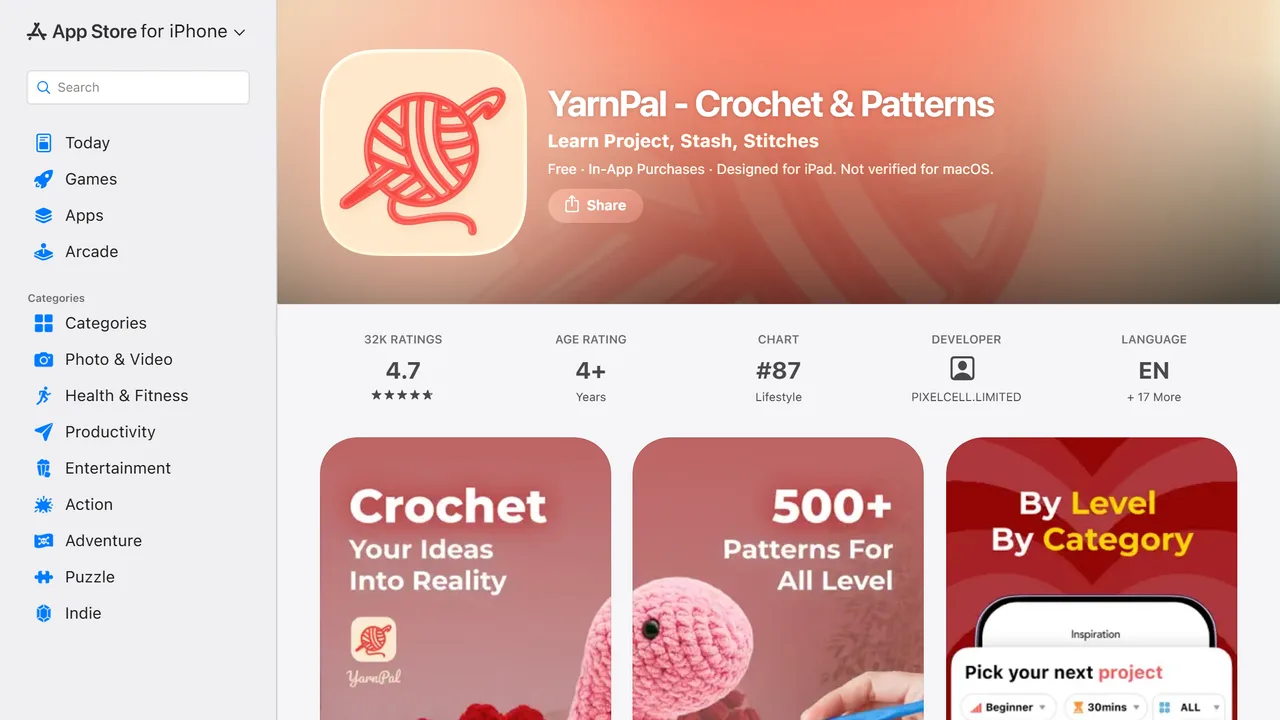
YarnPal
Who it is for. People learning crochet, who want the patterns, the tutorials and the counting in one place.
How it works. Its own description puts learning first: "YarnPal helps you learn crochet and knitting with ease, even if you've never held a hook before. Learn new stitches, explore hundreds of patterns, track your progress, and design your own projects all in one place."
Strengths. By far the largest audience here, 32,083 ratings at 4.7, and it sits in the App Store's Lifestyle chart. Eighteen languages, more than anything else on this page, and it is actively maintained, updated on 1 September 2026. If you are starting out, the pattern library and the tutorials matter more than the counter.
Limits. It is 201 MB, the heaviest of the six by a wide margin, and counting is one feature among many rather than the centre of the app. Released in December 2024, so it is newer than its rating count suggests, which is a sign of how fast it grew.
Price. Free to download, with in-app purchases.
Verdict. The best of these if you want to learn the craft and keep the count in the same place. The wrong one if you only ever wanted a counter.
Address. apps.apple.com
Loopsy
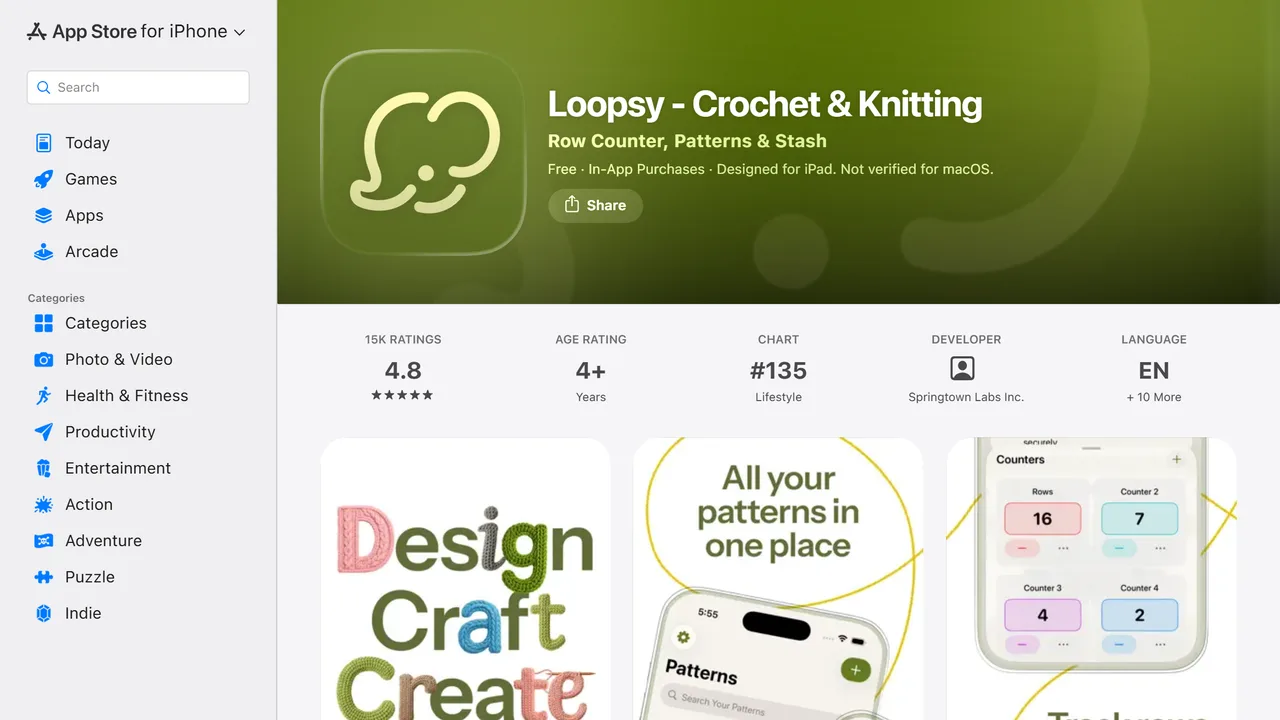
Who it is for. People with a yarn stash and a queue of patterns, who want one app to hold all of it.
How it works. "Loopsy is the all-in-one pattern and stash manager with built-in stitch and row counters for knitting, crochet, and every craft in between."
Strengths. 15,288 ratings at 4.8, updated on 18 August 2026, eleven languages, and it covers a genuinely wider job than counting: patterns, stash, and the counters together. If you have ever bought yarn you already owned, the stash side alone justifies it.
Limits. 161 MB, and the same trade as YarnPal: the counter is one room in a large house. Released in May 2025, so its rating count is impressive for its age but its long-term track record is short.
Price. Free to download, with in-app purchases.
Verdict. The strongest all-rounder here, and the one to pick if managing yarn and patterns matters as much as counting rows.
Address. apps.apple.com
knitCompanion
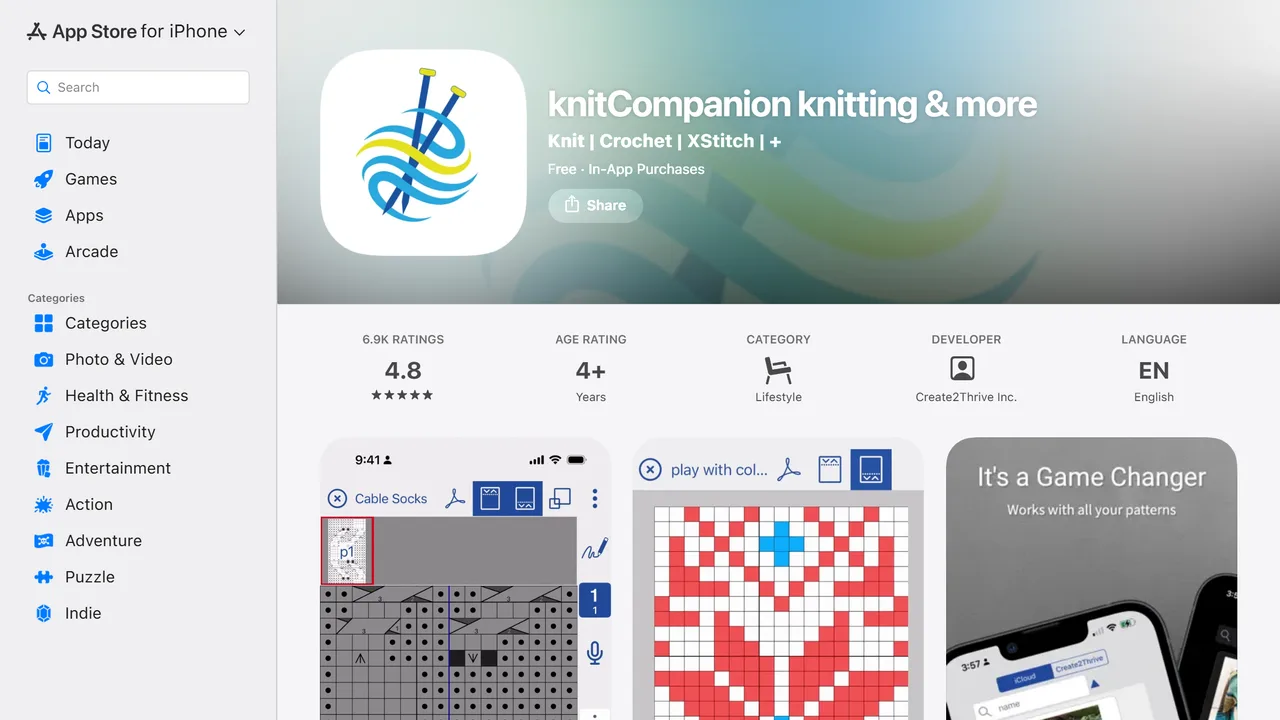
Who it is for. People who work from complex written patterns and charts, and want the pattern itself to be the interface.
How it works. "knitCompanion is a pattern tracking app for knitters and fibers artists. Our patented* tools make tracking easy so you can enjoy the fabric you are creating, make fewer mistakes, and tackle new techniques." You load your pattern PDF, mark it up, and the counters live on top of it: simple counters, linked counters and what the publisher calls smart counters, with sliding markers you advance with one tap.
Strengths. The deepest pattern handling on this page, and the widest platform coverage: its site lists "MacOS 12.5+", "iOS 15.4+", "Android 8.0+", "FireOS 7+", plus Windows through the Bluestacks emulator. Syncs through iCloud, Dropbox and Ravelry. 6,853 ratings at 4.8, the highest average of the six.
Limits. Two, and they matter. It is available in one language, English. And its last update was 15 December 2025, the second oldest here. On pricing, the free tier is real, "knitCompanion is free to download from the App Store and use for all your projects with the kCBasics", and the optional subscription is the most expensive of the category: the publisher states "The App Store uses US $30/year as the base price for localization", with "a 7 day free trial".
Verdict. If you knit from charted, multi-size, written patterns, nothing else here comes close. If you want a counter, this is far more app than you need.
Address. knitcompanion.com
My Row Counter
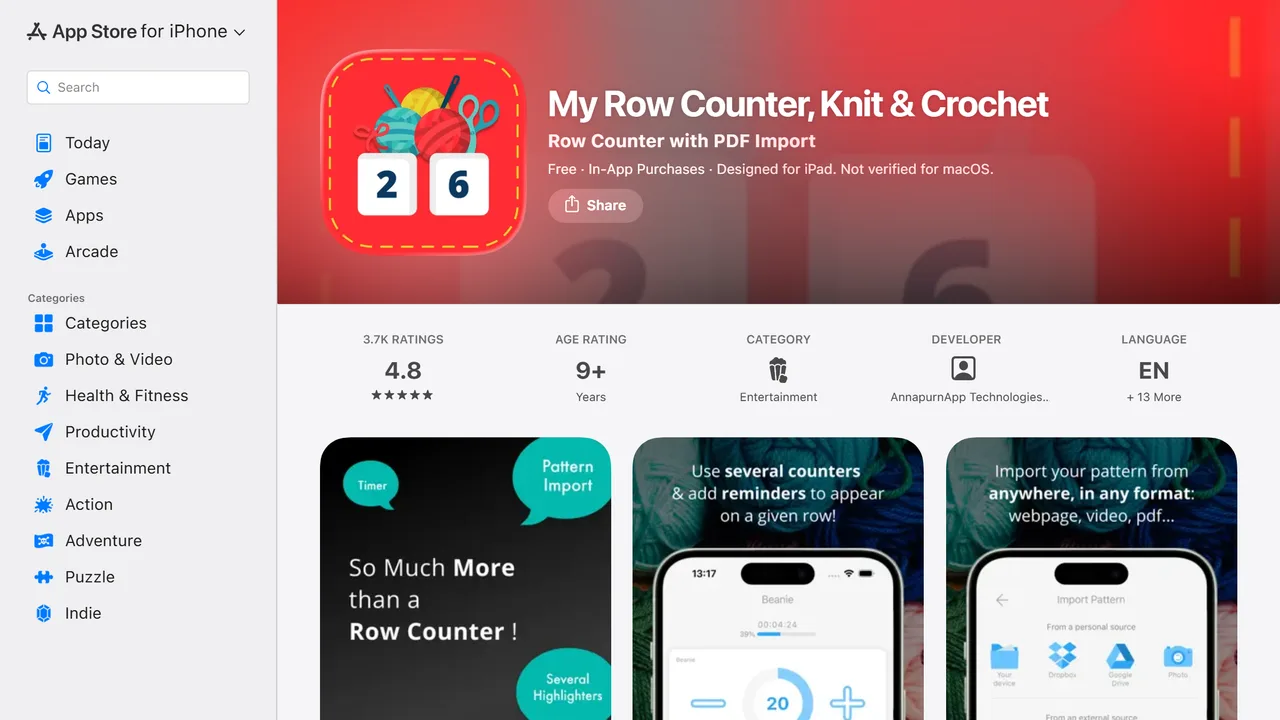
Who it is for. People who want a counter first, with pattern import as a bonus, in their own language.
How it works. The description leads with import: "IMPORT YOUR PATTERN # Download your patterns directly into the app, be it a webpage or a pdf, from the web or from your phone, Dropbox or Google Drive # Create knitting and crochet charts". Several counters can run at once and advance together on a given row.
Strengths. The best translated of the established apps, fourteen languages, and still actively maintained, updated on 26 August 2026. 3,678 ratings at 4.8. It has been on the store since February 2018, which is the longest track record here alongside knitCompanion.
Limits. 146 MB for what is fundamentally a counter, and the interface carries eight years of accumulated features, which is a strength or a wall depending on what you came for.
Price. Free to download, with in-app purchases.
Verdict. The best balance on this page between a real counter and real pattern handling, and the one to try first if English is not your language.
Address. apps.apple.com
YarnBuddy
Who it is for. People who want a calm, good-looking project tracker and nothing more.
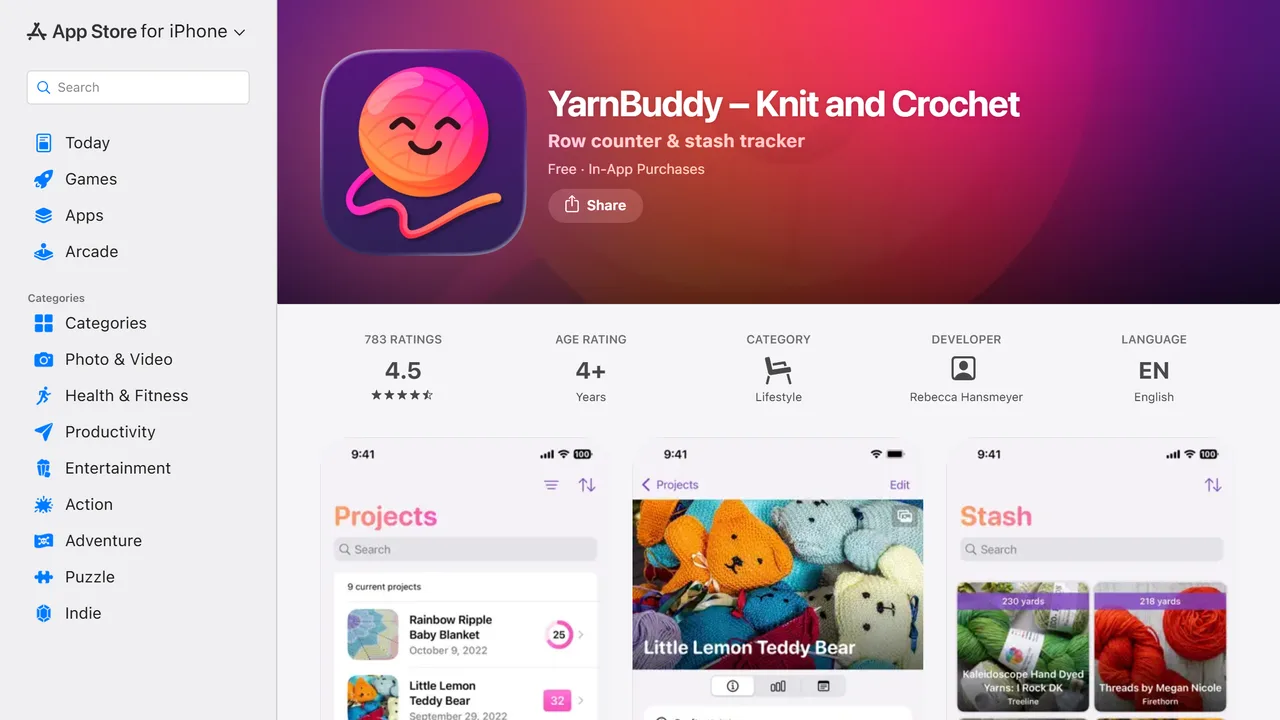
How it works. "YarnBuddy is a beautiful, easy-to-use project tracker and row counter for knitters and crocheters. It saves your place in each project along with all of your photos and notes, so when you come back to finish that blanket you started three years ago, you can pick up where you left off."
Strengths. The lightest of the established apps at 25 MB, with an Apple Watch app and a Mac version, and a design people are genuinely fond of. That sentence about the blanket you started three years ago is the whole product, and it is honest about what a tracker is for.
Limits. English only, 783 ratings at 4.5, the lowest average here, and its last update was 18 March 2025, the oldest on this page. That is not abandonment, but it is worth knowing before you move years of projects into it.
Price. Free to download, with in-app purchases.
Verdict. Lovely, small, and the one to check if you want a tracker rather than a system. Look at the update date before you commit.
Address. apps.apple.com
Knittle
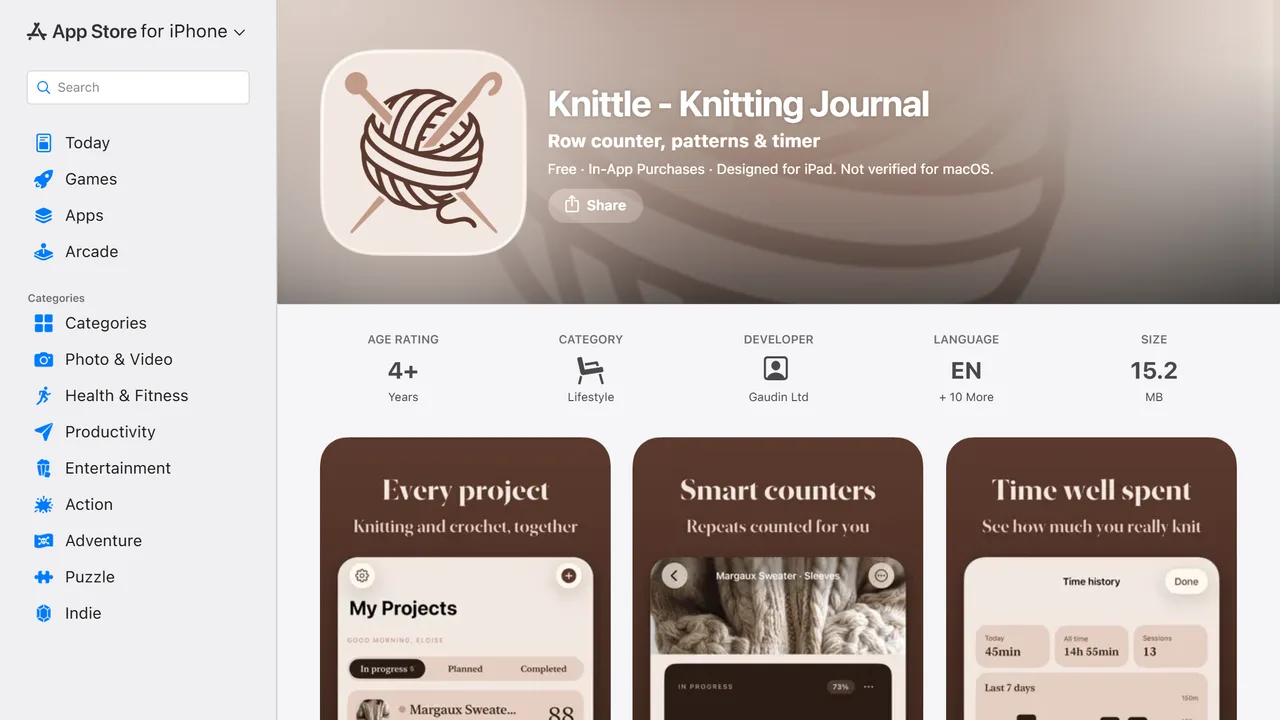
This one is ours, and it is last on this list for a reason we would rather state than hide: it came out on 28 May 2026 and it has no ratings yet. Everything above has a track record. We do not.
Who it is for. People who want a quiet counter for knitting and crochet, in their own language, on a phone that is short of space.
How it works. Tap to count rows and stitches, set a target and watch a progress ring, add custom counters and repeating motifs, attach the pattern as a PDF, photo or link, and see how long a project actually took. Projects have a cover photo, a status and notes, and there is a thirty day bin for the ones you delete by accident.
Strengths. Three numbers off the same store listing that everything above comes from. Eleven languages, where knitCompanion and YarnBuddy have one. 15.2 MB, where YarnPal is 201 and Loopsy 161. And a one-time Premium at $29.99 in a category that mostly sells subscriptions, alongside $1.99 a month or $9.99 a year with a three day trial. There is no Knittle account and no Knittle server: nothing about your projects reaches us.
Limits, and there are four. No ratings yet, as above. The free version shows ads, a banner on the project list, which Premium removes along with unlocking unlimited projects, custom counters, repeating motifs, pattern files, time history and the Apple Watch app. Knittle is on Android too, but syncing works across Apple devices only, through your own iCloud, and there is no sync on Android at all: the bridge there is exporting and importing files. And there is no Watch app on Android, nor any yarn or needle management on either platform.
Price. Free with ads, or Premium at $1.99 a month, $9.99 a year with a three day trial, or $29.99 once.
Verdict. If you read in one of the eleven languages we ship, want a small app and would rather pay once than subscribe, we are worth ten minutes. If you want a proven app with years of reviews behind it, pick one above, honestly.
Address. knittle.app
At a glance
| Ratings | Average | Languages | Size | Last update | Released | |
|---|---|---|---|---|---|---|
| YarnPal | 32,083 | 4.7 | 18 | 201 MB | 2026-09-01 | 2024-12-19 |
| Loopsy | 15,288 | 4.8 | 11 | 161 MB | 2026-08-18 | 2025-05-23 |
| knitCompanion | 6,853 | 4.8 | 1 | 45 MB | 2025-12-15 | 2018-03-11 |
| My Row Counter | 3,678 | 4.8 | 14 | 146 MB | 2026-08-26 | 2018-02-01 |
| YarnBuddy | 783 | 4.5 | 1 | 25 MB | 2025-03-18 | 2020-07-06 |
| Knittle (ours) | none yet | n/a | 11 | 15.2 MB | 2026-08-24 | 2026-05-28 |
Figures read from the App Store on 7 September 2026, United States store. Rating counts and sizes move, so treat them as a snapshot rather than a verdict.
Which one for what you make
You are learning to crochet. YarnPal. The tutorials and the pattern library are the point, and the counter comes with them.
You have more yarn than memory. Loopsy, for the stash side. No other app here manages yarn, ours included.
You knit from complex charted patterns. knitCompanion, and it is not close. Just be ready for English only and a $30 a year subscription if you go past the free tier.
You do not read English. My Row Counter with fourteen languages, or ours with eleven. knitCompanion and YarnBuddy are English only, which for most of the world settles it.
Your phone is always out of space. Ours at 15 MB or YarnBuddy at 25, rather than the 161 and 201 MB apps.
You hate subscriptions. Ours has a one-time option. Check the others' in-app purchase screens before you assume, because store listings say "in-app purchases" without saying which kind.
You just want to count. Any of them will count. Pick the lightest one whose language you read, and spend the saved half hour knitting.
What "free" means in this category
Every app here is a free download, and none of them are free products. There are three arrangements behind that word, and the store listing never says which.
Free with ads. Ours, in the free tier: a banner on the project list. Premium removes it.
Free with a real usable tier, then a subscription. knitCompanion states it plainly, "free to download from the App Store and use for all your projects with the kCBasics", with the optional subscription on top.
Free with in-app purchases, unspecified. The store label the other four carry. It tells you money is involved and nothing about how much or for what.
That last case is the norm, and it is why a comparison of this category cannot be built from store listings alone. Open the app, find the paywall, and read it before you move six projects in.
What to check before you commit to one
Moving projects between these apps is manual, so the choice is stickier than it looks. Four questions, five minutes.
Does it export? If you cannot get your projects out, you are choosing for years, not for now. Look for export or backup in the settings before you start entering anything.
Where does the count live? On the device, in the publisher's cloud, or in your own. Ours syncs through your iCloud on Apple devices and keeps nothing on our side. Others use their own accounts, which is fine as long as you know which.
What happens on a second device? Phone and tablet, phone and watch, iPhone and Android. Sync between platforms is where almost every app in this category stops, ours included.
When was it last updated? Two of the six here last shipped in 2025. An app you will use daily for years should still be maintained.
Keeping the count when the app is not the problem
No counter saves you from the two real ways a count goes wrong.
The first is not tapping. Everyone forgets, and the fix is a habit rather than a feature: tap at the same moment in every row, at the end rather than the start, and always before you put the work down. Our guide to keeping track of rows goes through the habits that actually stick.
The second is losing your place inside the pattern rather than in the count, which is a different problem and needs a different fix: markers, a highlighted line, or a repeat you can recognise on the fabric. We cover that in keeping your place in a knitting pattern, and for the round-and-round case where the count is right but the position is not, in what to do when you lose count in the round.
Pick the app whose language you read and whose size your phone can spare, learn to tap at the end of every row, and the rest of this page stops mattering. That is the honest ending: the counter matters far less than the habit, and every app above will hold the number once you build it.


