Losing count of your rows is the most common way a project quietly goes wrong, and the fix is simple: pick one row counter and update it every single time you finish a row. Whether you knit or crochet, a counter you trust (a clicker, a notebook, or a free app) holds your place so you never have to guess.
Why counting from memory always fails
Rows look almost identical, and real life keeps interrupting: a phone call, a dropped ball of yarn, a row left half finished. After a break, your eyes cannot tell row 42 from row 44. The trick is not to concentrate harder. It is to record each row as you work, so the count lives somewhere other than your head.
Which row counting method should you use?
There is no single best tool, only the one you will actually keep up with. Here is how the common options compare.
| Method | How it works | Best for |
|---|---|---|
| Pen and paper | A tally mark you add for each row | Quick and cheap, but easy to forget |
| Mechanical clicker | A ring or barrel you click once per row | Tactile, but nothing to fall back on if you lose it |
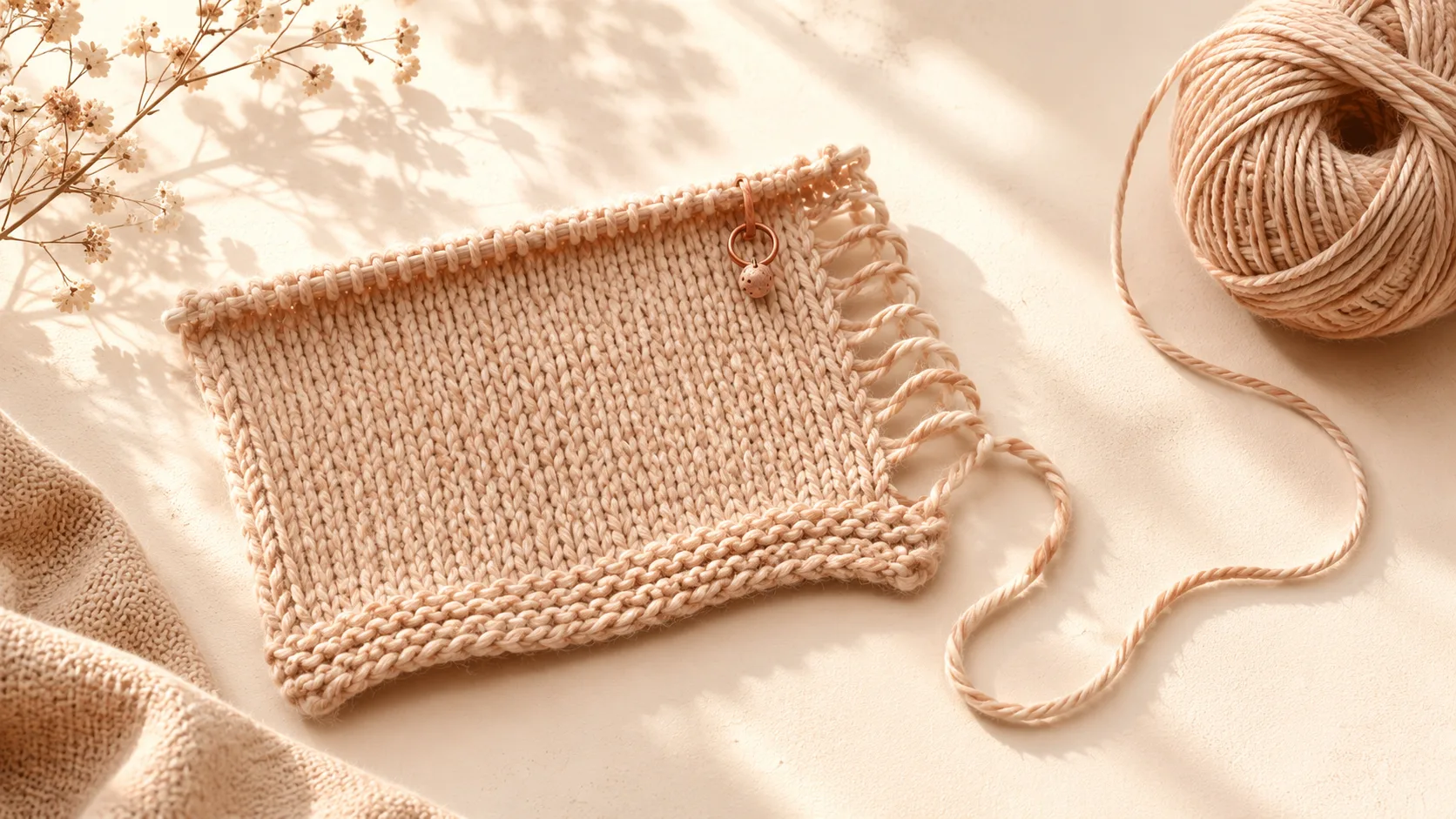
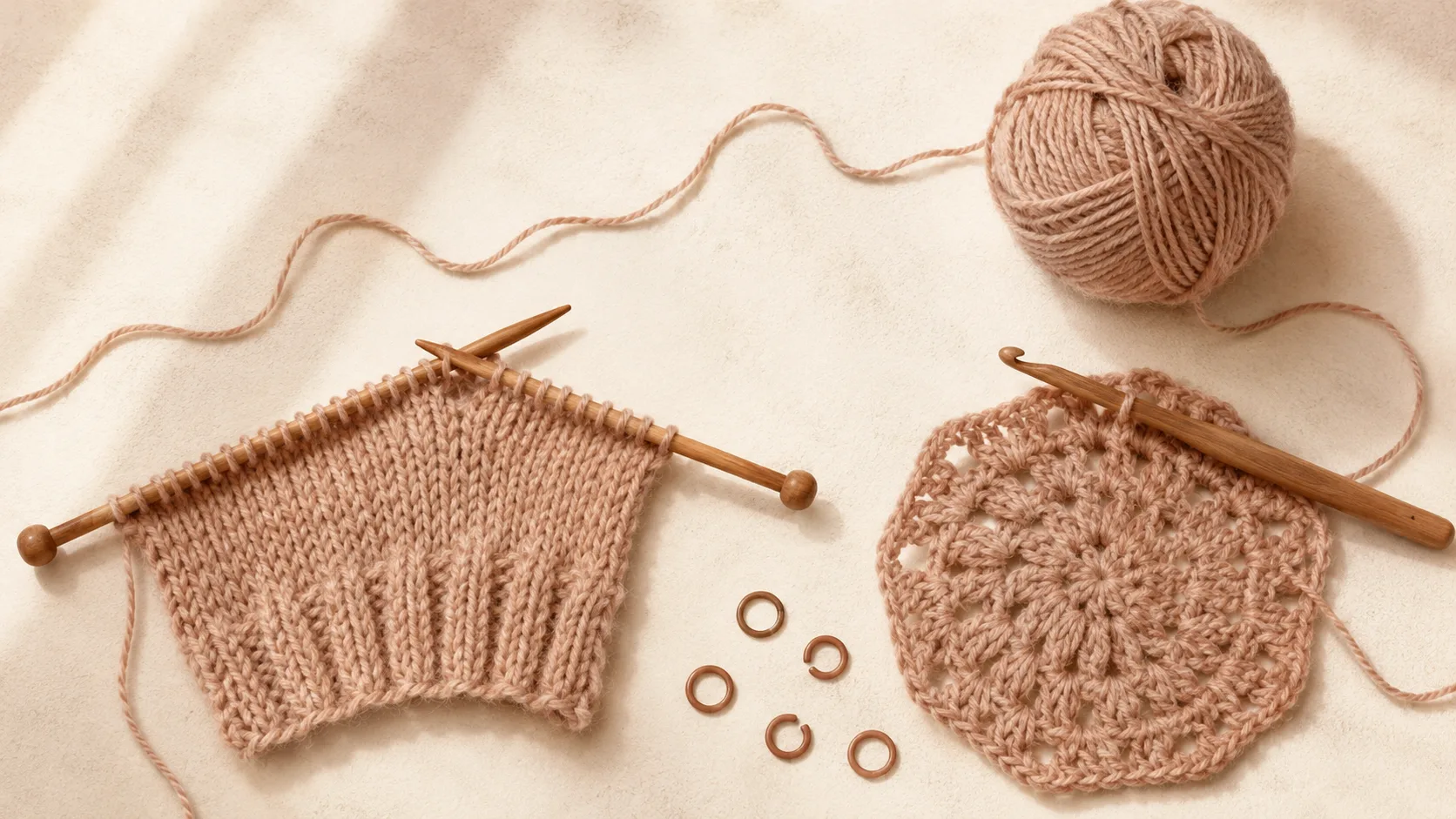
| Stitch markers | Mark each repeat, increase, or round | Lace, shaping, and crochet rounds |
| Row counter app | Tap once per row, with a target and progress | Counts kept, synced, and hard to lose |
How to count your rows step by step
- Start a project and set your target row count if the pattern gives one.
- Update your counter the moment a row is finished, never before.
- Drop a stitch marker at the start of each round in crochet, or each repeat in lace.
- When you stop, note where you are. When you come back, trust the counter, not your memory.
Does this work for crochet too?
Yes. Crochet counts rows or rounds in exactly the same way. The one habit worth adding is a stitch marker in the first stitch of each round, so you always know where the round begins. A good counter does not care whether you are holding needles or a hook.
Keep your place with Knittle
Knittle is a calm row counter made for both knitting and crochet. Tap to count, set a target and watch the progress ring fill, then put your work down without losing your place. Your counts live on your iPhone, iPad and Apple Watch and stay in sync, with no account to set up. It is a free download, and you can start counting in under a minute.